Pick a side
Two doors into one cafe.
Start with either. Keep both open side by side, and the whole product fits in one loop.
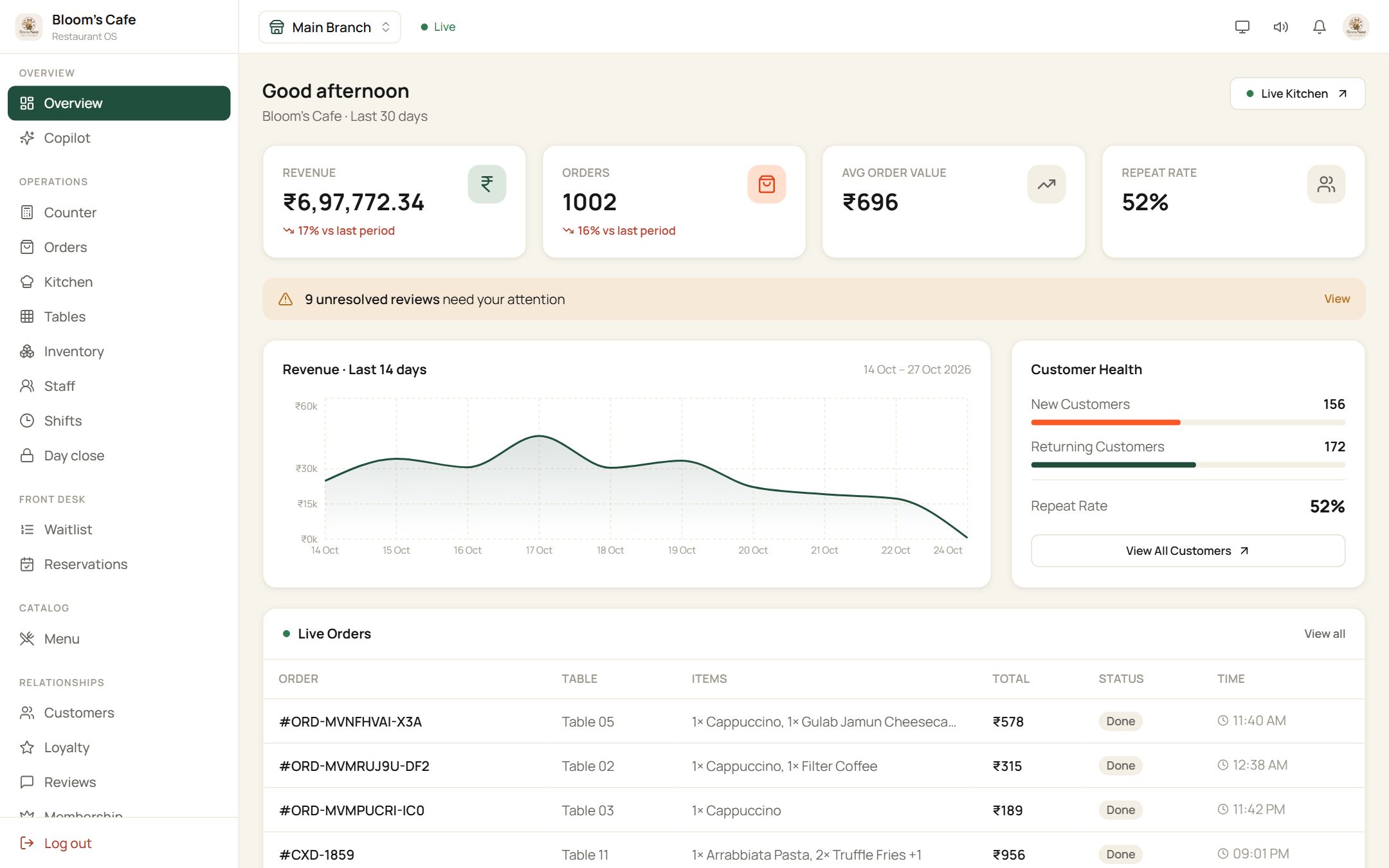
Restaurant OS
Menu, kitchen, billing, guests and staff in one dashboard. Open it and sign in with the details below.
Open app.dinery.indineryprototype@gmail.com
Password
••••••••••••••
Shared by everyone trying the demo, so you may see other people's orders.
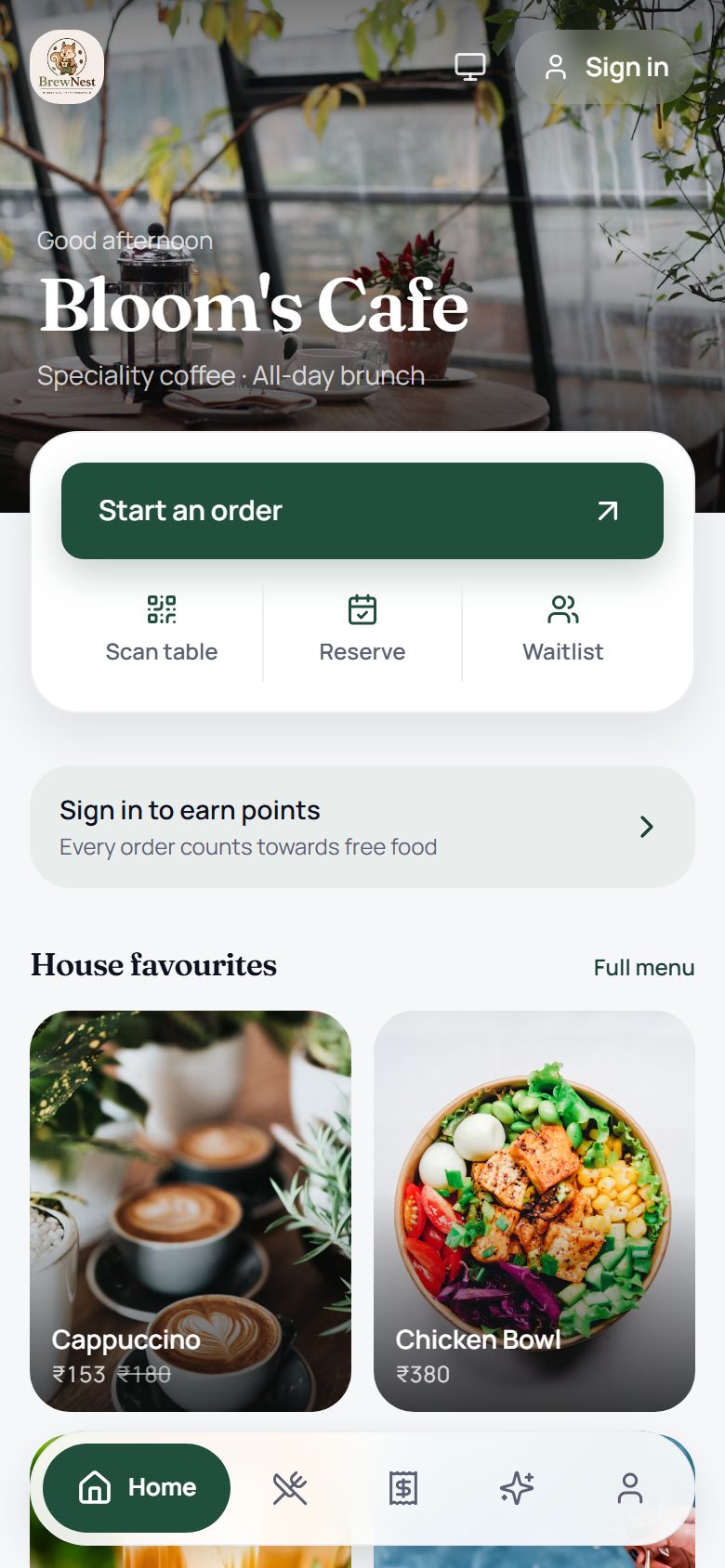
The guest app
What a customer sees after scanning the table QR. Look around freely, and sign in with Google only when you are ready to send an order.
Open the guest app
Scan with your phone camera
Try it in two minutes
One order, both screens.
Three steps on your phone, then a look at what the restaurant sees.
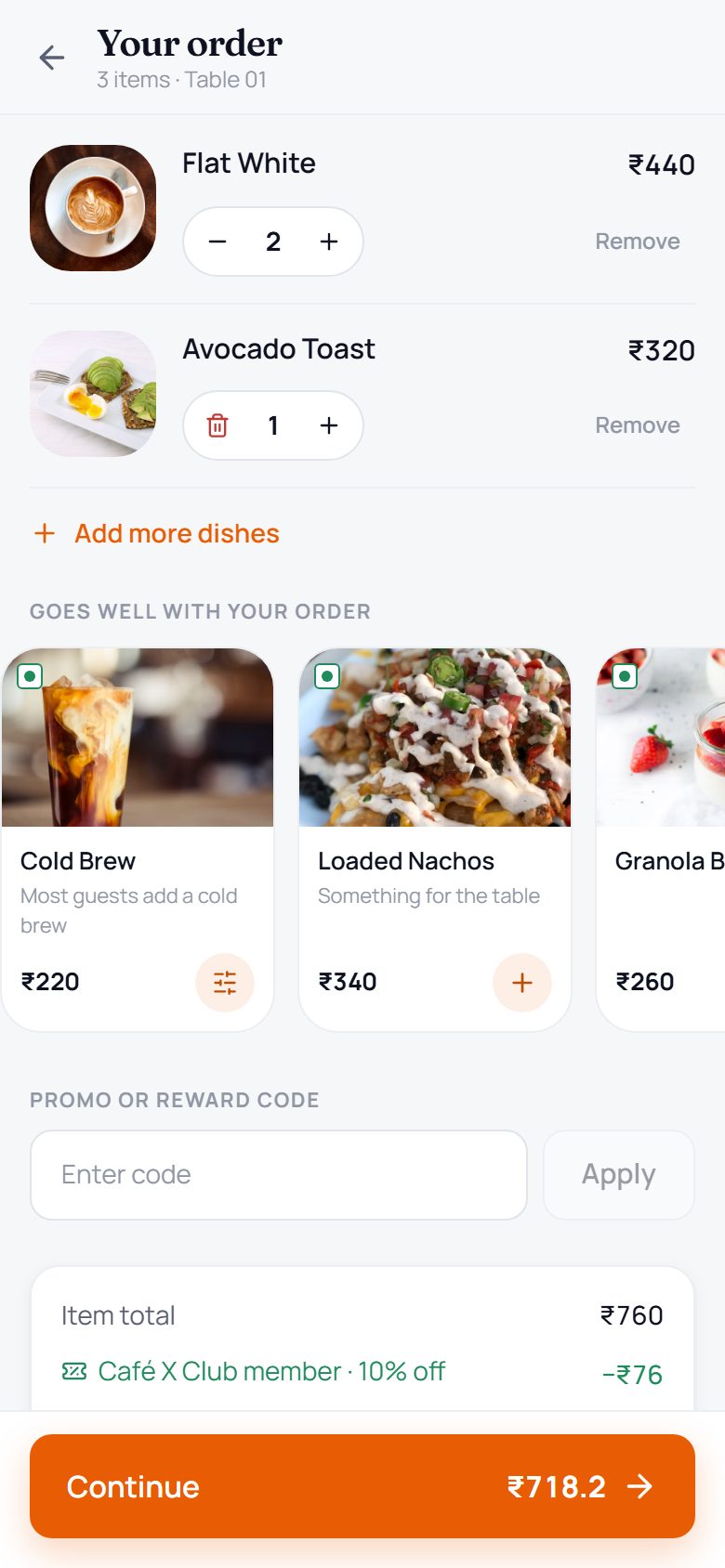
- 01On your phone
Browse the menu
Open the guest link on your phone. Photos, prices and offers are the cafe's own.
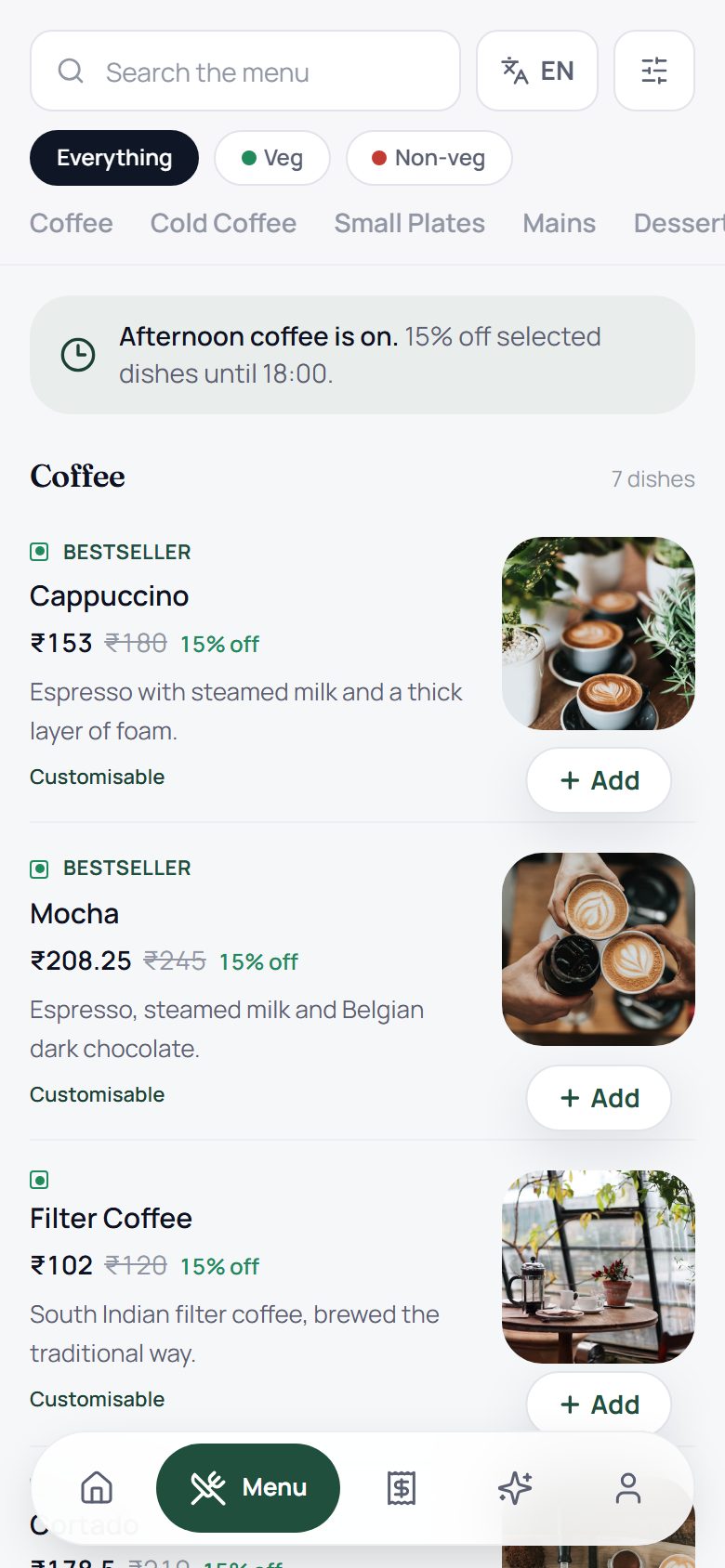
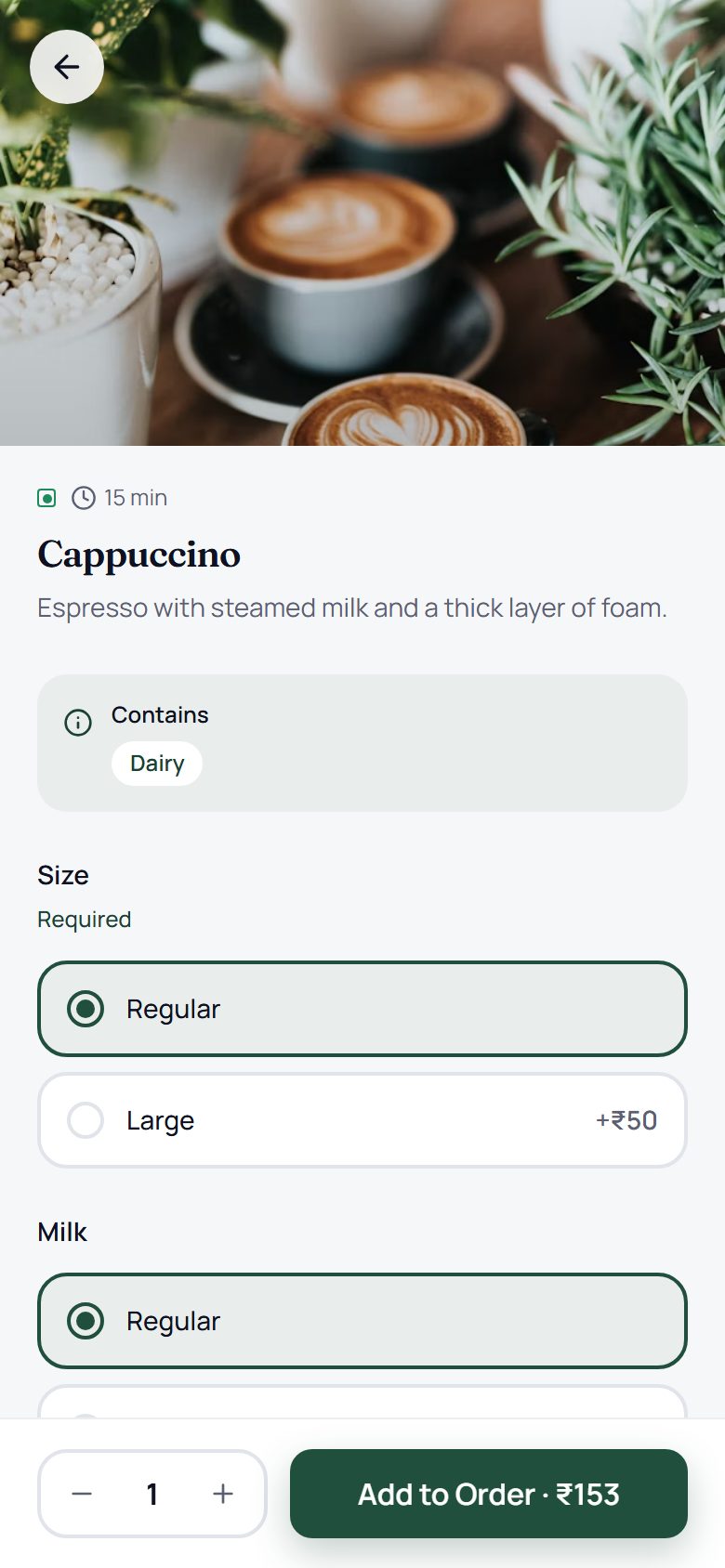
- 02On your phone
Pick a dish
Choose a size or a milk, then add it. Everything waits in your cart.
- 03On your phone
Sign in and send
Sign in with Google, then send the order to the kitchen.
- 04On the owner side
See it arrive
On a laptop, open Restaurant OS. The order shows up on the dashboard and in the Kitchen.
What to look at
Six places worth a click.
Once you are in Restaurant OS, these are good places to start. Each one lives in the left-hand menu.
Overview
01Sales, orders and live tickets in one place.
Overview
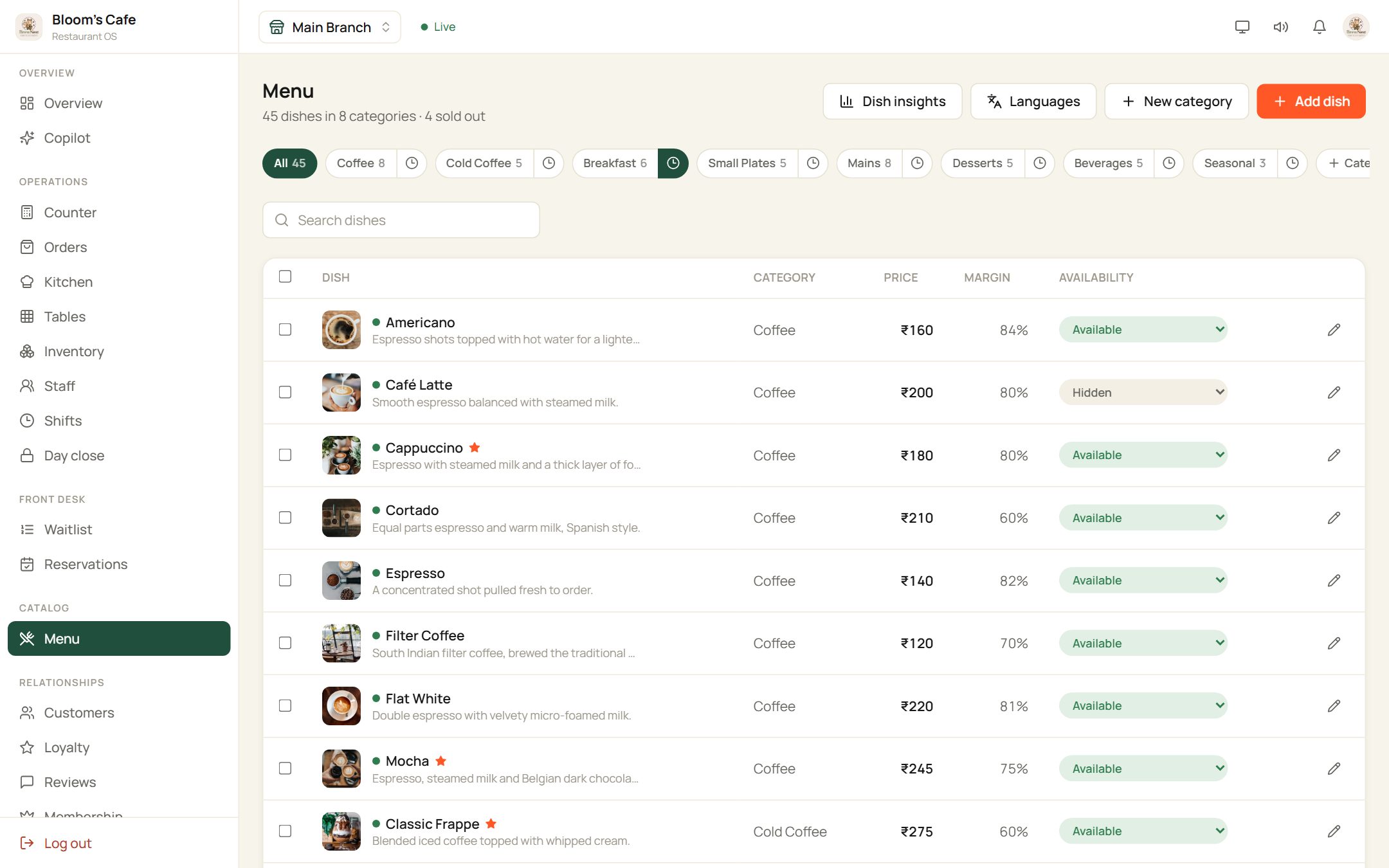
Menu
02Edit a dish, change a price, mark something sold out.
Catalog, Menu
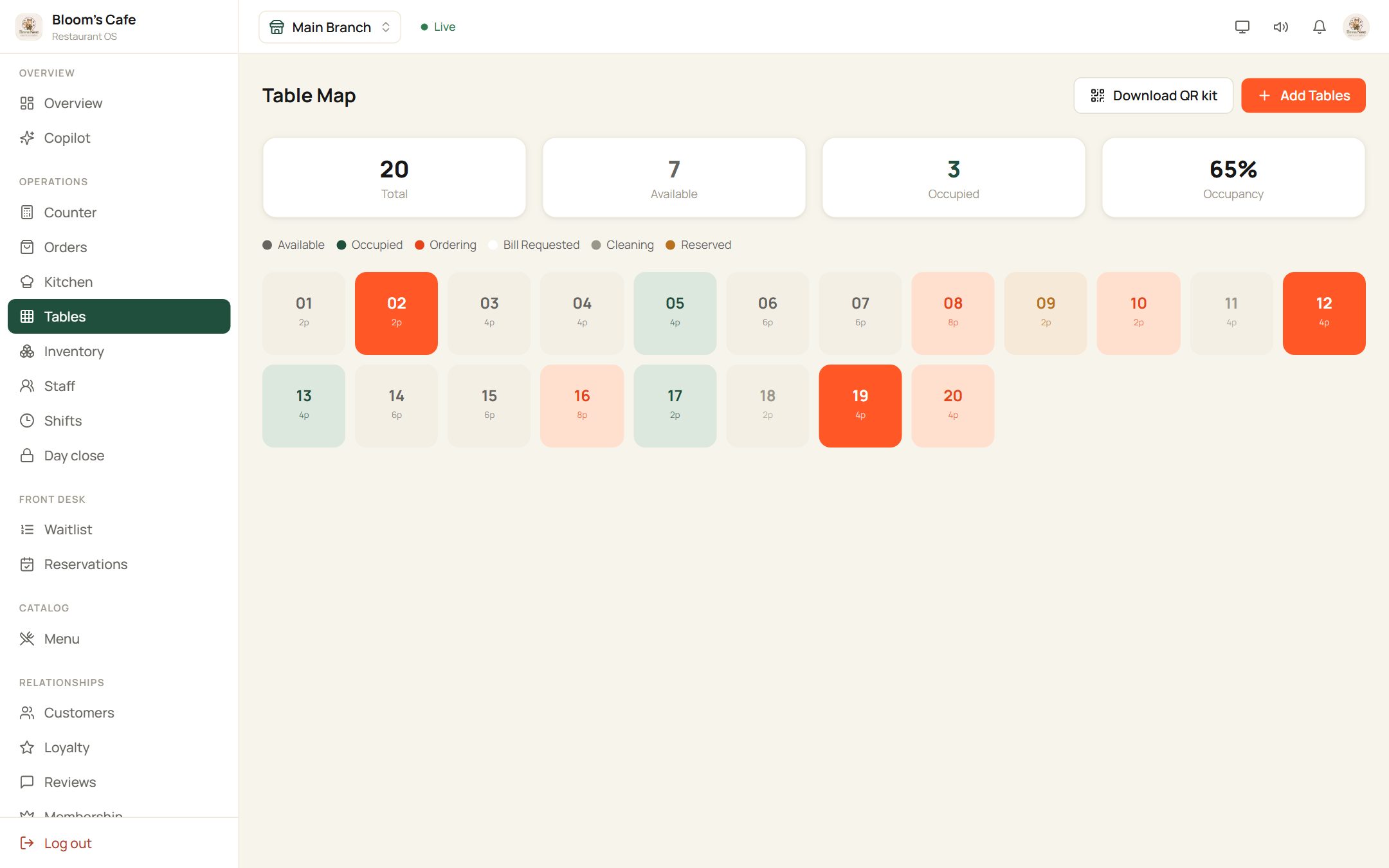
Tables
03A live map of the floor, from free to bill requested.
Operations, Tables
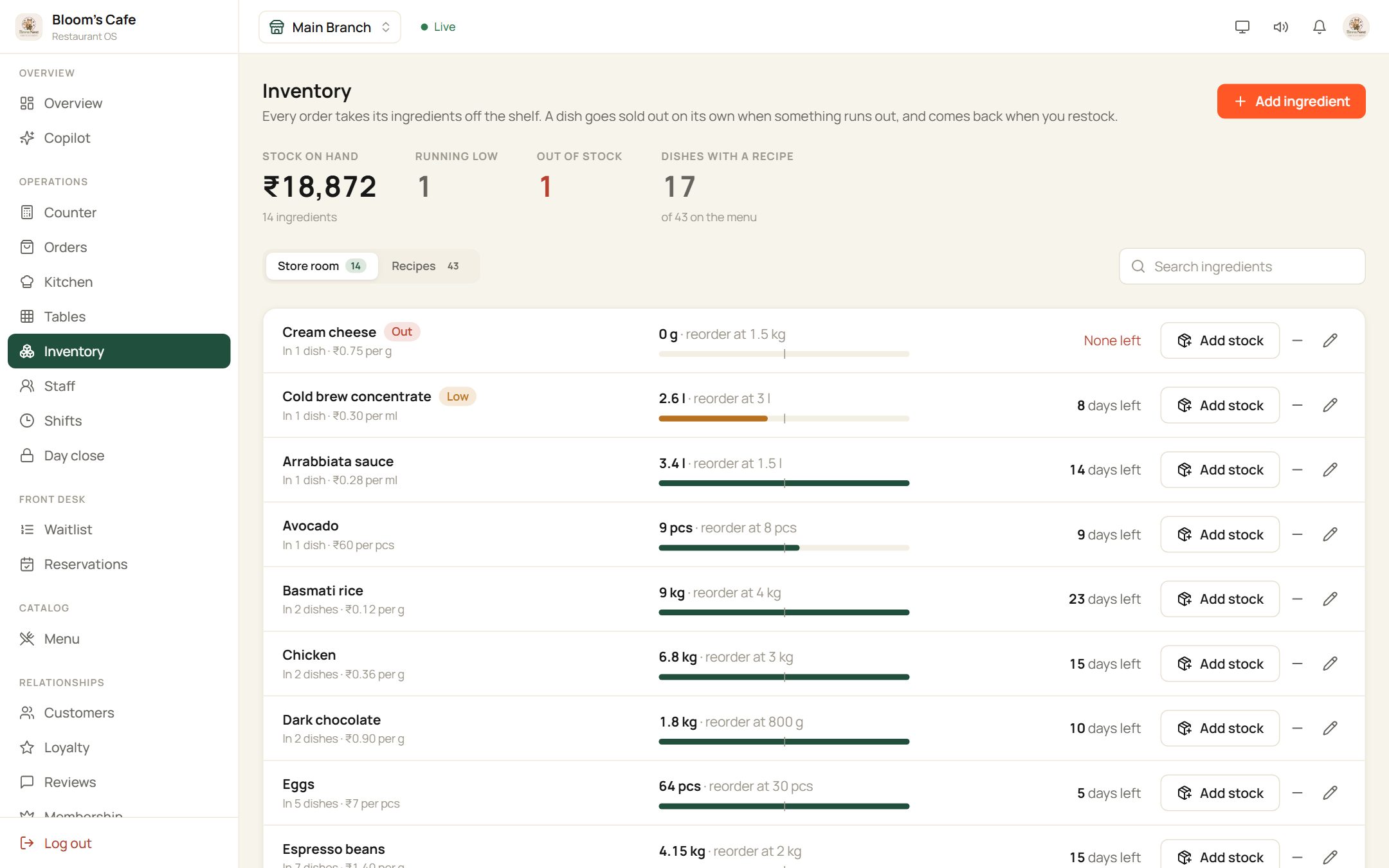
Inventory
04Ingredients run down as dishes sell, with low-stock alerts.
Operations, Inventory
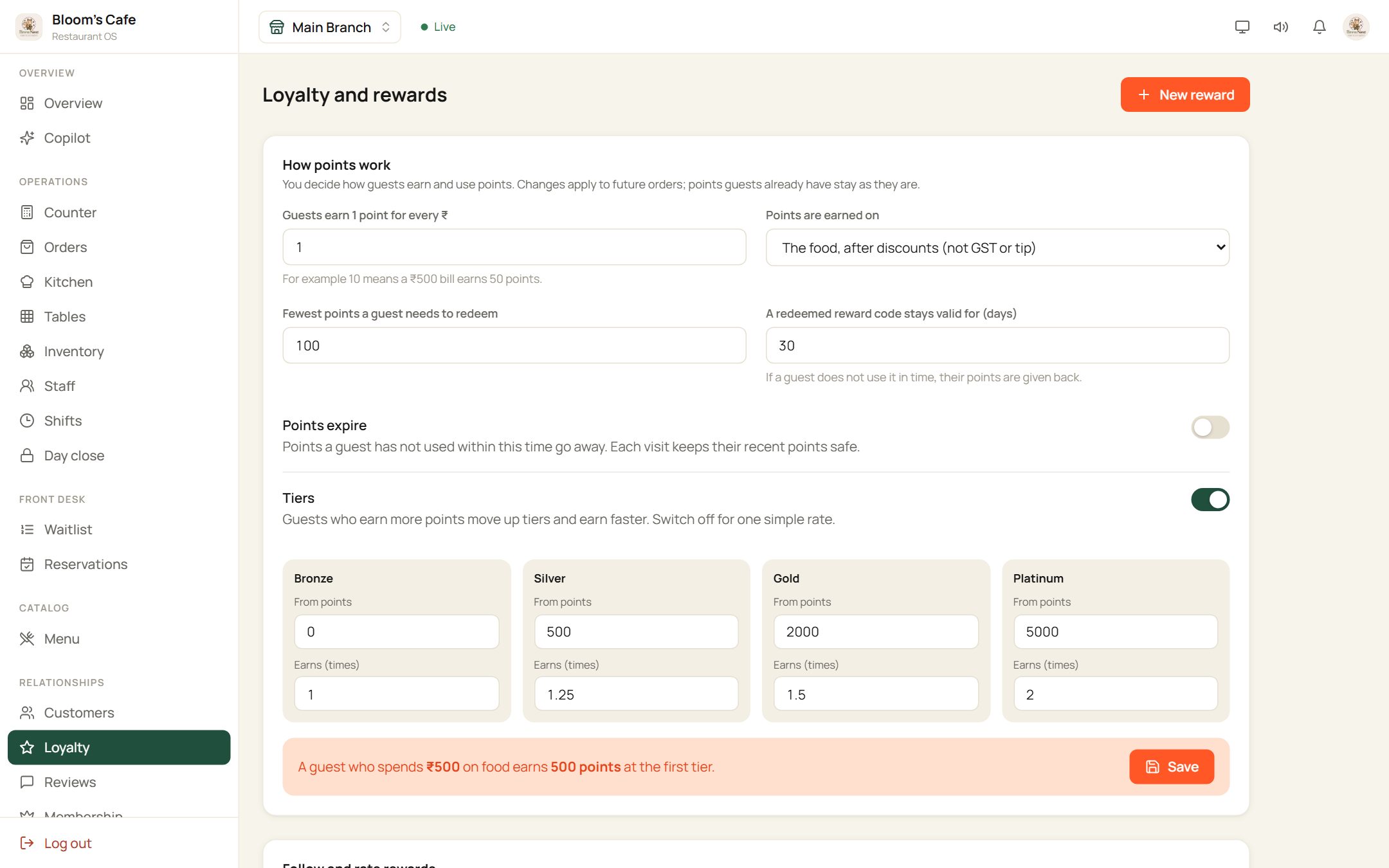
Loyalty
05Choose how guests earn points and move up tiers.
Relationships, Loyalty
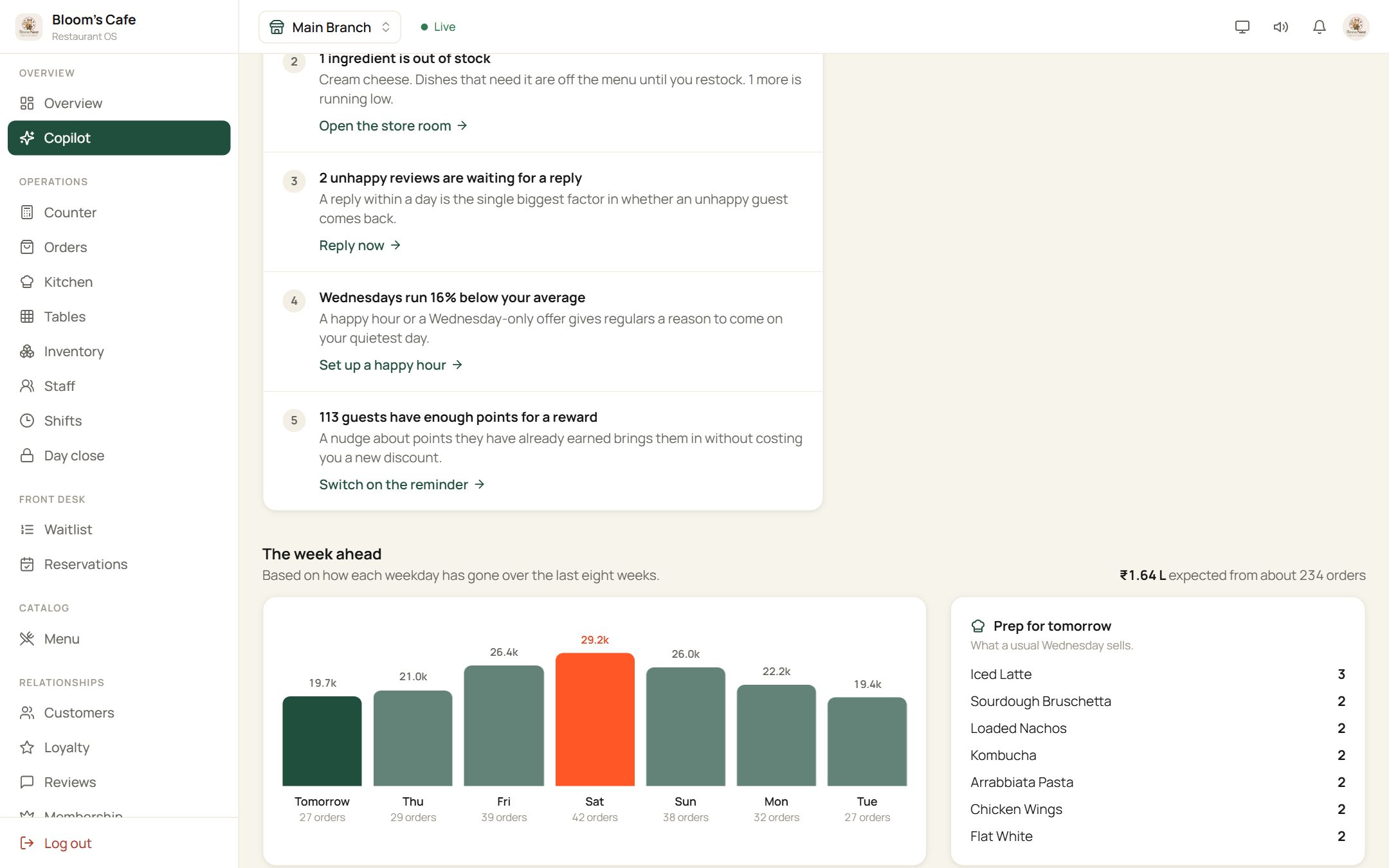
Copilot
06Yesterday in brief, and what is worth doing this week.
Overview, Copilot
How it fits together
The same cafe, seen from two sides.
order.dinery.in
Guest phone
Scan, order, collect points
one live link
Dinery
Orders, menu and guests in step
app.dinery.in
Restaurant OS
Kitchen, billing, guests, staff
Nothing to install for guests, and billing stays at your own counter.
Read how it works- A shared demo cafe called Bloom's Cafe, so you may see other people's orders.
- Change anything you like, but please use made-up names and numbers.
- You can look around the guest app without signing in. Google sign-in is only for sending an order.
- Orders you place appear on the owner side straight away.
Quick questions
Still deciding? Talk to the people who build Dinery.
No sales script. Ask about your menu, your floor or your billing setup.
Liked what you saw?
Book a walkthrough and we will set Dinery up around your own menu, tables and billing.